
Douglas County Booking Reports Search
Douglas County booking reports are available through the WARP system. WARP stands for Web Access to Reports and Portraits. This tool shows people booked into the Douglas County Jail with their charges. You can search by name to find booking reports from the past 14 days. The system updates every four hours. This page explains how to access Douglas County booking reports and request older records from the Sheriff's Office in Roseburg.
Douglas County Quick Facts
Douglas County WARP Booking Reports
The WARP system is the main way to find recent Douglas County booking reports online. It contains records of people processed into the Douglas County Jail. The database holds 14 days of booking history at any time. After 14 days, records drop off the WARP system. You can visit jailviewer.co.douglas.or.us to search the current list of Douglas County booking reports.
Each entry in the WARP system shows the person's name, booking date, and charges. The system also includes booking photos when available. Keep in mind that people listed in the WARP system have been arrested but are not necessarily found guilty. A booking report shows only that the person was processed into the Douglas County Jail on specific charges.
The Douglas County Sheriff's Office runs the WARP inmate reports viewer and updates it on a regular cycle.
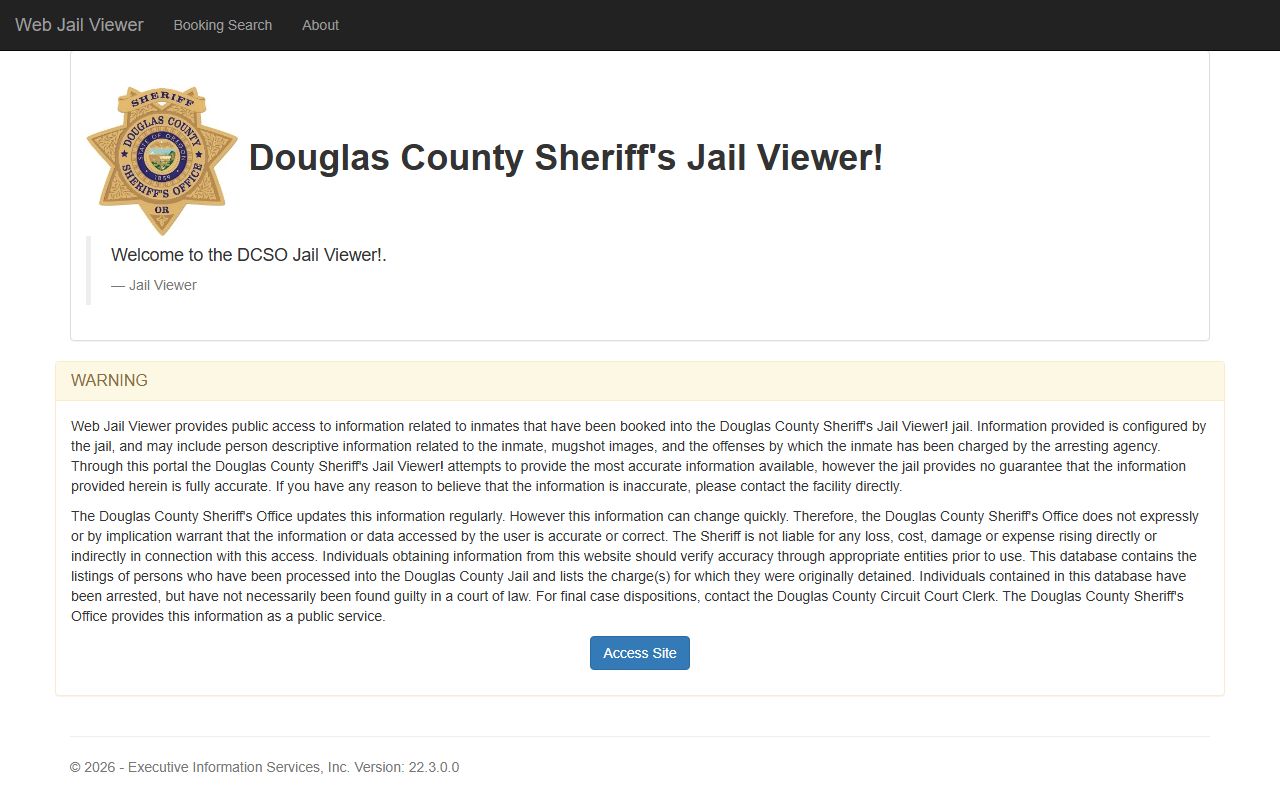
The WARP tool is free to use. No account is needed. Just go to the site and enter a name. Results show up right away. This makes it one of the easiest ways to search for Douglas County booking reports without calling the jail.
Note: The WARP system only shows the most recent 14 days of Douglas County booking reports and may not reflect real-time custody status.
Douglas County Sheriff Records Office
The Douglas County Sheriff's Office keeps all booking reports and arrest records. Their records office is at the Justice Building in Roseburg. You can visit in person, call, or send a request by mail or fax. The staff can search for booking reports that are no longer in the WARP system.
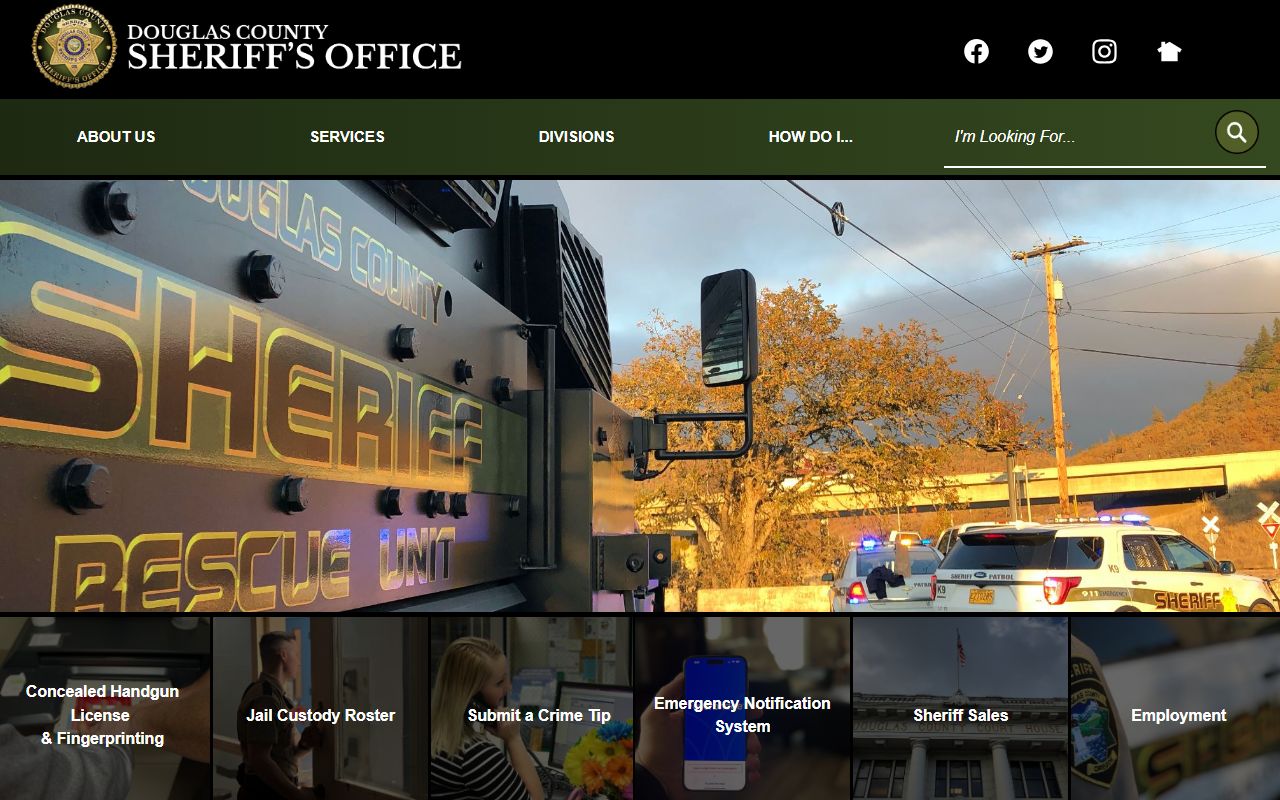
The Douglas County Sheriff's Office website has more details on records requests and other services. The records office handles all public records requests for the Sheriff, including booking reports, incident reports, and arrest logs in Douglas County.
| Office |
Douglas County Sheriff's Office Justice Building 1036 SE Douglas Avenue Roseburg, OR 97470 Phone: (541) 440-4450 Fax: (541) 440-4470 Email: dcso.records@douglascountyor.gov |
|---|
How to Search Douglas County Booking Reports
There are several ways to search for booking reports in Douglas County. The fastest method is the WARP system for recent records. For older records, contact the records office. Here are the main options for finding Douglas County booking reports:
- Use the WARP viewer for bookings within the past 14 days
- Call the records office at (541) 440-4450
- Email your request to dcso.records@douglascountyor.gov
- Fax a written request to (541) 440-4470
- Visit the Justice Building in Roseburg in person
When you contact the records office, give them the full name of the person and an approximate date. A case number helps if you have one. The staff will search their system and let you know what is available. Douglas County booking reports are public records under ORS Chapter 192. Anyone can request them.
Oregon courts also keep records tied to Douglas County bookings. The Oregon eCourt system lets you search by name or case number. Court records show what happened after the booking, including charges filed, plea entries, and case outcomes in Douglas County.
Douglas County Public Records Access
Oregon's public records law applies to all Douglas County booking reports. Under ORS 192.311 to 192.478, government records are open to the public. You do not need to state a reason for your request. The county must respond within a reasonable time.
Some parts of a record may be withheld. Medical data and certain personal details can be exempt. But the core booking report data is public. This includes the person's name, charges, booking date, and arresting agency in Douglas County. The records office will tell you if any part of a record is exempt from disclosure.
Note: Allow several business days for the Douglas County records office to process your request for booking reports.
Oregon State Arrest Records
State-level tools can help you find records beyond what Douglas County holds locally. The Oregon State Police runs a criminal history check service through its CJIS unit. This covers arrest and booking data from all Oregon counties, including Douglas County. A fee applies for criminal history checks.
The Oregon Department of Corrections also offers an offender search tool. Visit docpub.state.or.us to look up people in state custody or on supervision. This is useful if someone was booked in Douglas County and later transferred to a state prison. The tool is free and does not require an account.
These state systems work alongside the local Douglas County WARP system. Together, they give a fuller picture of a person's criminal history in Oregon. The WARP system shows recent local bookings. The state tools cover broader and older records.
What Douglas County Booking Reports Show
A booking report in Douglas County is a record made when someone enters the jail. It captures key facts about the arrest and the person. Each report is a snapshot of one booking event. A person can have more than one booking report if they have been arrested more than once in Douglas County.
A typical Douglas County booking report contains:
- Full name and date of birth
- Booking date and time
- Charges at the time of booking
- Arresting agency
- Bail or bond amount if set
Charges listed on a booking report may change later. The district attorney may add, drop, or alter charges after reviewing the case. The court record will show the final charges. The booking report shows only what was on file when the person entered the Douglas County Jail. Always check court records for the most current case status.
Note: Booking reports from Douglas County reflect charges at intake and do not indicate guilt or final case outcomes.
Arrests and Court Records in Douglas County
A booking report and a court record are two different things. The booking report is created at the jail. It shows an arrest happened. The court record is created when the case goes before a judge. It shows what the court decided. Both types of records are available for Douglas County.
After a booking in Douglas County, the case goes to the district attorney. The DA reviews the facts and decides what charges to file in court. Sometimes the charges match the booking report exactly. Other times they differ. The court record tracks the case from filing to resolution. You can search Douglas County court records through the Oregon eCourt system to see how a case ended.
If you find a booking report in the WARP system, check the court records too. This gives you the full story. The booking report tells you about the arrest. The court record tells you about the legal outcome in Douglas County.
Nearby Counties
Douglas County borders Lane County, Coos County, Josephine County, Jackson County, and Klamath County. If an arrest took place near a county border, the booking report may be in a neighboring county. Check the county where the arrest occurred to find the correct booking report.