
Wallowa County Arrest Booking Reports
Wallowa County booking reports are handled by the Sheriff's Office at the Justice Center in Enterprise. This rural county in northeastern Oregon has limited online records tools. Direct contact with the Sheriff's Office is the best way to search for booking reports in Wallowa County. The county seat is Enterprise, and the Sheriff serves the entire county. Knowing who to call and where to go makes searching for Wallowa County booking reports much easier.
Wallowa County Quick Facts
Wallowa County Sheriff Booking Records
The Wallowa County Sheriff's Office manages all booking reports at the Justice Center in Enterprise. When a person is arrested in Wallowa County, the Sheriff's Office creates a booking report that documents the charges, arrest date, and personal details of the individual. These records are stored at the Justice Center.
Wallowa County is one of the least populated counties in Oregon. The Sheriff's Office handles a smaller volume of bookings compared to urban counties. This can make it easier to locate a specific booking report. Staff at the office know the records well and can often pull up information quickly.
The Wallowa County government website provides basic information about county services and departments.
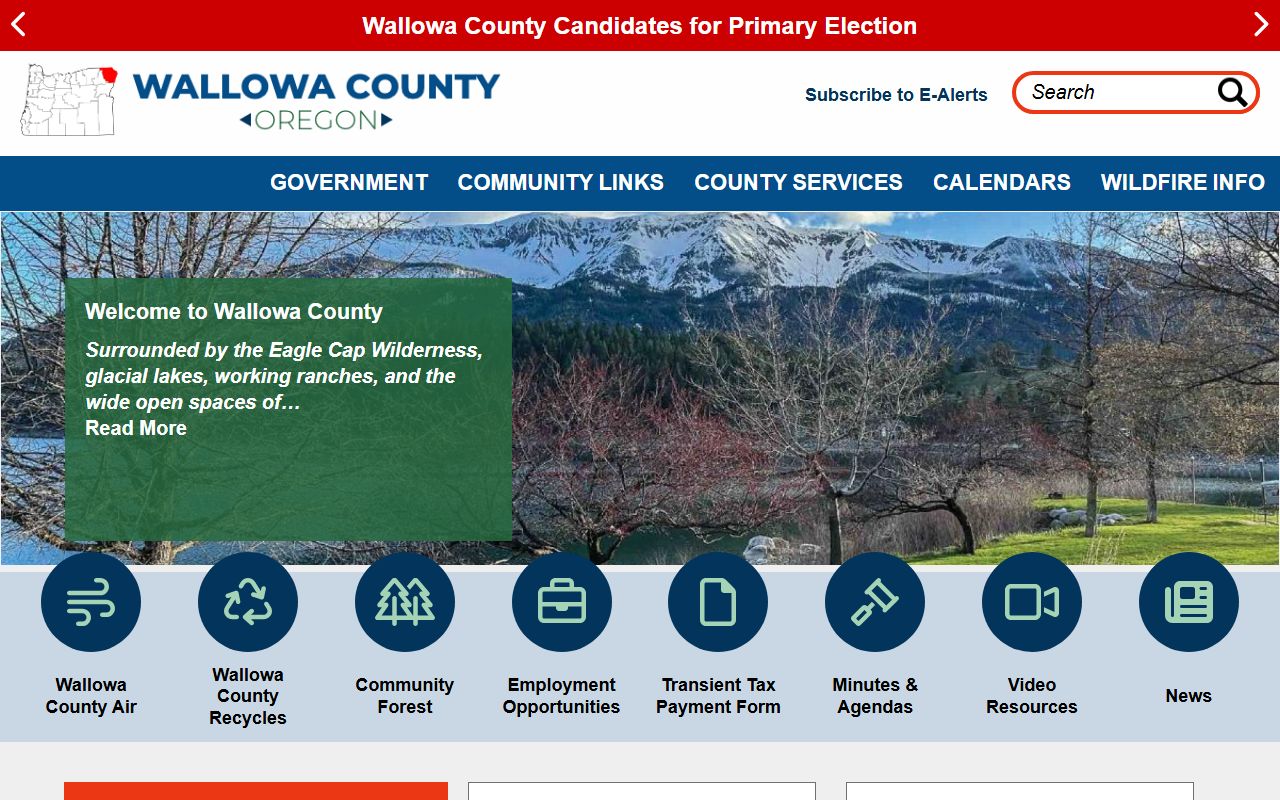
Because Wallowa County has limited online resources, calling or visiting the Sheriff's Office is the most reliable way to access booking reports.
| Sheriff |
Wallowa County Sheriff's Office 101 S River Street Enterprise, OR 97828 Phone: (541) 426-3131 |
|---|---|
| Facility | Wallowa County Justice Center, Enterprise |
| Website | co.wallowa.or.us |
Note: Wallowa County does not maintain an online jail roster, so phone or in-person requests are the primary method for booking report searches.
Requesting Wallowa County Booking Reports
Getting a booking report from Wallowa County requires direct contact with the Sheriff's Office. There is no online portal for searching past bookings. Here is how to request records.
Call the Wallowa County Sheriff's Office at (541) 426-3131. Give the staff the name of the person and the approximate date of the arrest. They will check their records and let you know what is available. You can also visit the Justice Center at 101 S River Street in Enterprise. Bring a valid ID with you.
Written requests work too. You can mail or deliver a letter to the Sheriff's Office asking for a copy of a booking report. Under ORS Chapter 192, the office must respond within five business days. Include as much detail as you can about the person and the arrest. This helps staff find the right record faster.
The Sheriff's Office may charge a small fee for copies of booking reports. Ask about fees when you make your request. Most booking reports in Wallowa County are public records and can be released to anyone.
Statewide Records Tools for Wallowa County
While Wallowa County has limited local online tools, state resources can help you search for booking reports and related records. These tools cover all Oregon counties, including Wallowa County.
The Oregon State Police CJIS division runs the criminal history program. You can request a criminal history check that covers arrests and bookings from Wallowa County and every other Oregon county. This is useful when you need records going back several years.
The Oregon eCourt Case Information system shows court records from all circuits. Search by name to find cases connected to a booking in Wallowa County. Court records show what happened after the arrest. They include charges, plea entries, and sentences.
For people who went to state prison after a booking in Wallowa County, use the Oregon Department of Corrections offender search. This free tool shows current custody status and release dates.
Note: State databases may take several days to update after a booking occurs in Wallowa County.
Wallowa County Public Records Access
Booking reports in Wallowa County are public records. Oregon law gives people the right to see most government records. This includes booking reports, arrest logs, and jail records. The rules for access are in ORS 192.311 through 192.478.
Any person can request a booking report from Wallowa County. You do not need to give a reason for your request. The Sheriff's Office may only withhold information that falls under a specific exemption in the law. Social security numbers and certain victim details are commonly redacted. The rest of the booking report is released as a public record.
If your request is denied, you have the right to appeal. The Wallowa County District Attorney reviews appeals of denied records requests. You can also contact the Oregon Attorney General's office for guidance on public records access.
Contents of Wallowa County Booking Reports
Each booking report created by the Wallowa County Sheriff's Office follows a standard format. The report captures key facts at the time of jail intake.
A Wallowa County booking report typically shows:
- Full name and date of birth
- Date and time of the arrest
- Arresting agency and officer
- Charges at time of booking
- Bail amount if set
- Physical description of the person
The booking report is a snapshot. It records conditions at the time of arrest. Charges may change later as the case moves through the court. For the final outcome of a case that started with a booking in Wallowa County, check the circuit court records.
Tracking Custody in Wallowa County
You can use VINELink to track the custody status of people booked in Wallowa County. This free tool covers jails across Oregon. You can register for alerts when an inmate is released or transferred.
To use VINELink for Wallowa County, select Oregon and then Wallowa County. Enter the person's name or ID number. The system shows the current status. Sign up for alerts by phone, email, or text. This is one of the few online tools that works for tracking Wallowa County jail inmates.
The Oregon State Archives may hold older records from Wallowa County, including historical arrest and booking data. Contact the archives for records that are no longer held at the local level.
Tips for Searching Wallowa County Records
Searching for booking reports in a rural county like Wallowa takes a different approach than in larger areas. Here are some practical steps.
Call first. The Wallowa County Sheriff's Office is small and staff are helpful. A phone call to (541) 426-3131 is often the fastest way to find out if a booking report exists. Give the full name and any dates you know. Staff can check their records while you wait.
Use state tools as a backup. If the local office cannot find what you need, try the Oregon State Police criminal history check or the eCourt system. These cover all counties and go back many years. They are good options when you are not sure of the exact date or location of an arrest in Wallowa County.
Plan for travel time. Enterprise is remote. If you need to visit in person, call ahead to confirm office hours. The drive to Enterprise from larger cities takes time. Make sure the office will be open when you arrive to pick up booking report copies.
Note: The Wallowa County Sheriff's Office may have limited staff on weekends, so weekday visits are best for records requests.
Nearby Counties
Wallowa County borders several Oregon counties. If you are not sure which county handled a booking, check the location of the arrest. Each county keeps its own booking reports.